
Home / Game day
Here's how game day goes
Find the Rival Imaging sign at the field, scan it and type your kid's jersey number. Photos post during the game for $2.99 each, then $5 after the final whistle until the gallery comes down 48 hours later.
Game day, in order
From the parking lot to two days after the final whistle. Every regular season game Rival shoots gets a gallery, and every one runs this way.
- Before the game
Find the Rival sign
It's usually at the main gate or by the snack bar. Point your phone's camera at the code on the sign and it opens today's games. There's no app to download and no account to make.
- Warmups
Grab a seat where you can see your kid
That's the whole job. If you booked a Big Night, Michael starts here with pregame and warmups. On senior night the walk happens before the game, so read how Big Night covers senior night before you go.
- During the game
Photos post while they play
The gallery fills in all through the game, so check back at each break. Type your kid's jersey number and only their photos show. Every photo is $2.99 until the final whistle.
Or put the phone down and watch. The photos will be there.
- Halftime
A good few minutes to look
Scroll the first half, pick the ones you love, and pay with Apple Pay, Google Pay or a card. The previews are small and watermarked. What you buy is the full size photo with no watermark.
- Final whistle
$2.99 becomes $5
When the game ends, photos go to $5 each. Overtime and shootouts still count as the game, so $2.99 holds until it's actually over.
- Before you leave
Find Michael for prints
Prints are available at the game. Halftime or right after the final whistle is the easy time to catch him on the sideline.
- The 48 hours after
Buy from the couch
The gallery stays up for 48 hours after the final whistle at $5 a photo, then it comes down. Save your favorites before then.
Athletes, here's how to end up in the gallery
Your parents find you by your number. Make sure it shows, then go play.
Keep your number showing
Tuck your jersey so the number doesn't fold under, lose the warmup shirt before the game starts, and pull your hair up off the number on your back.
Know where the camera is
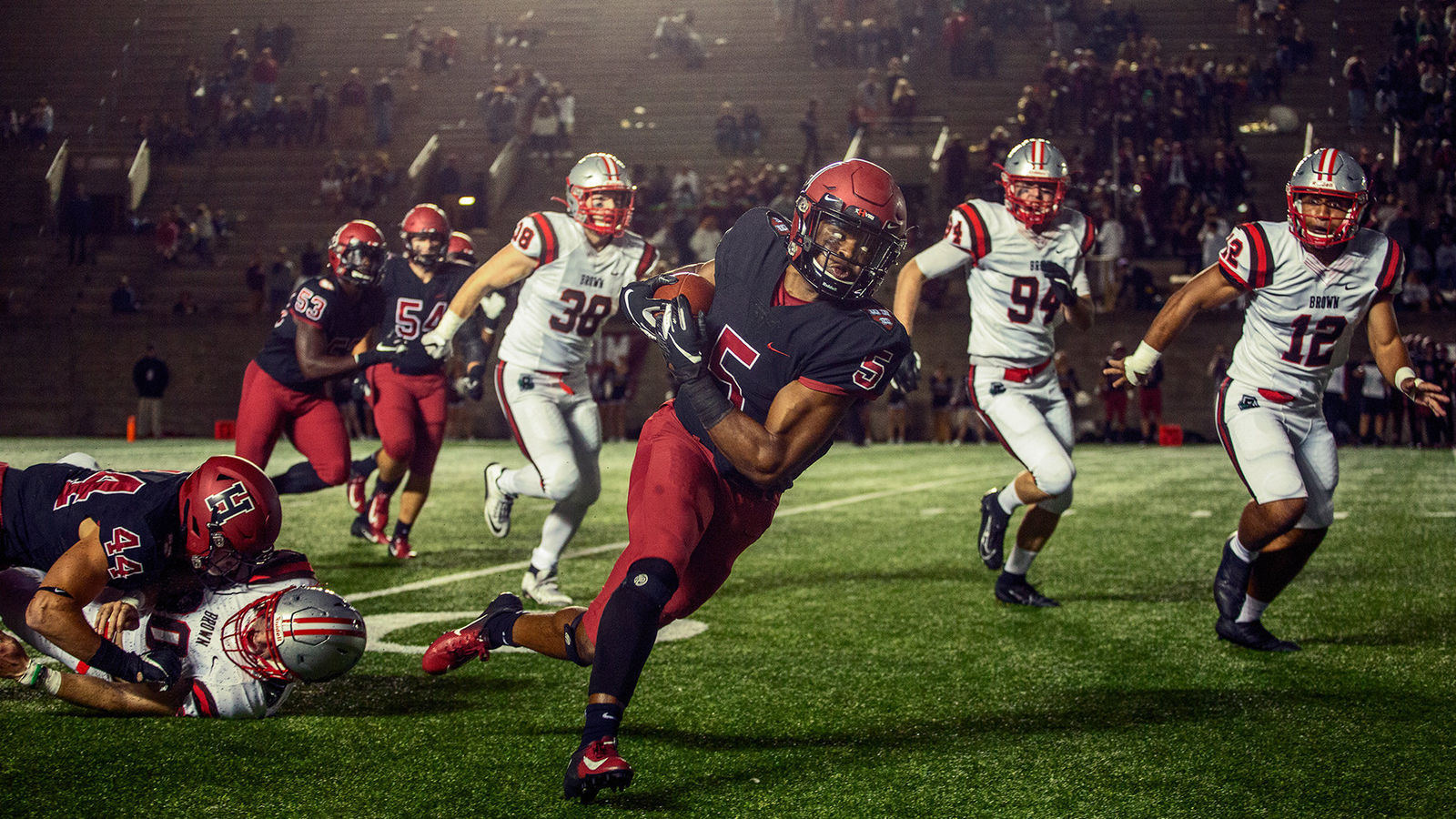
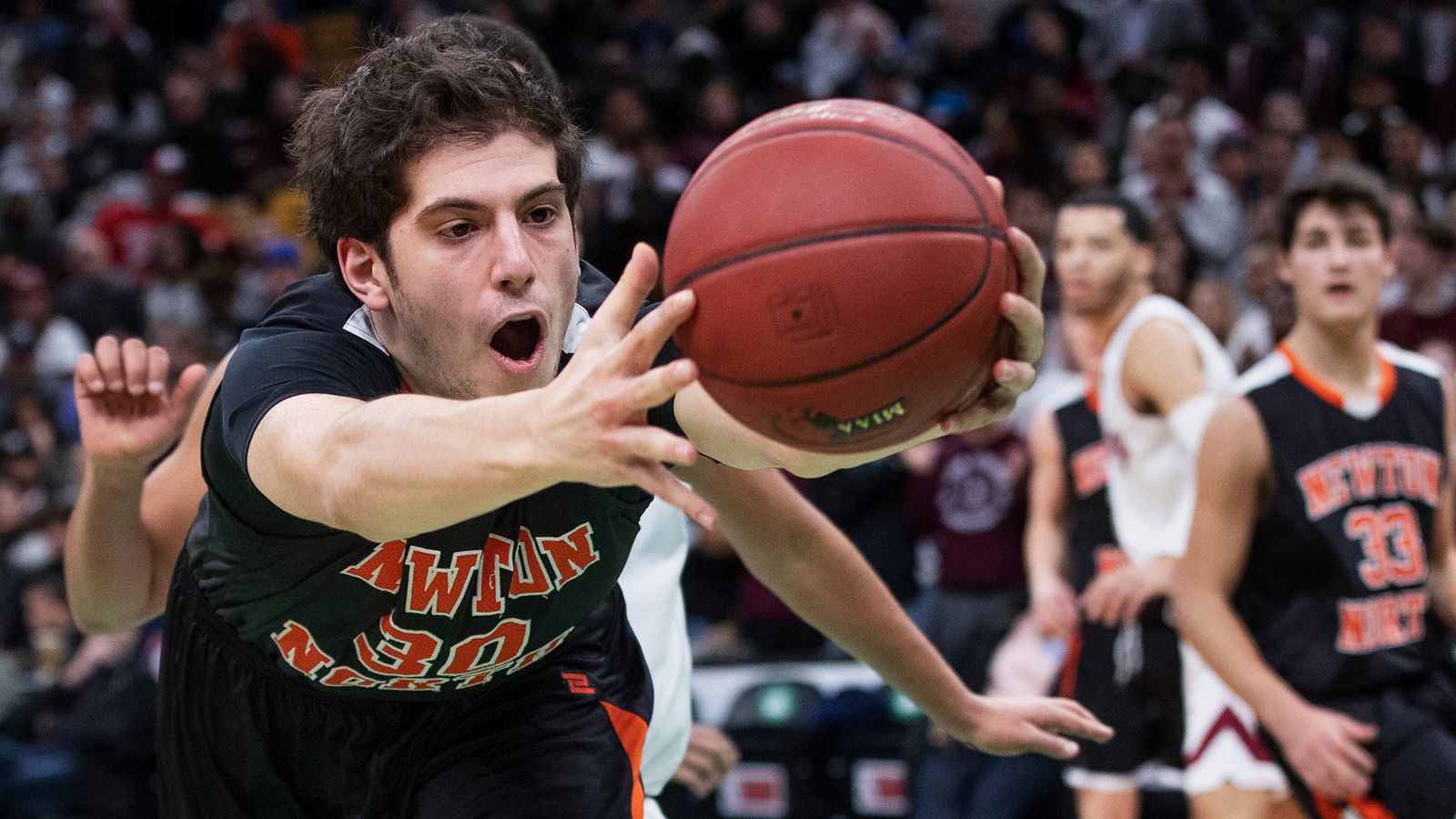
Michael sets up where the big plays come at him: a step ahead of the ball in football, low on the baseline in basketball, right on the glass in hockey. See where he stands in your sport
Play through the whistle
The best frames are full effort: the dive, the box out, the last step before the shot. Don't play to the camera. Play hard and he'll find you.
Look up after the play
The second after the goal, the sack or the stick save is when your face shows. Get your head up before you jog back.
Go find your teammates
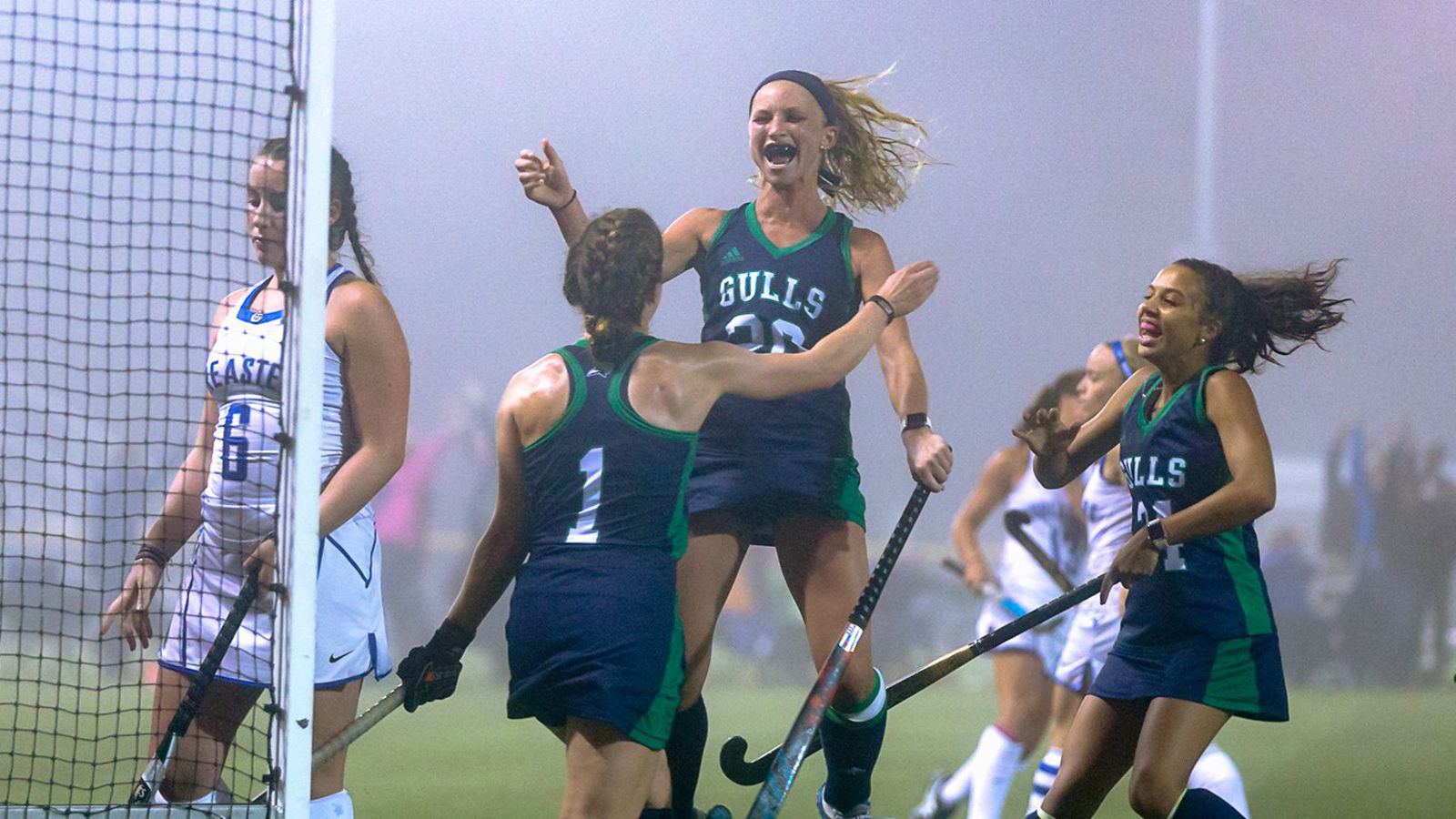
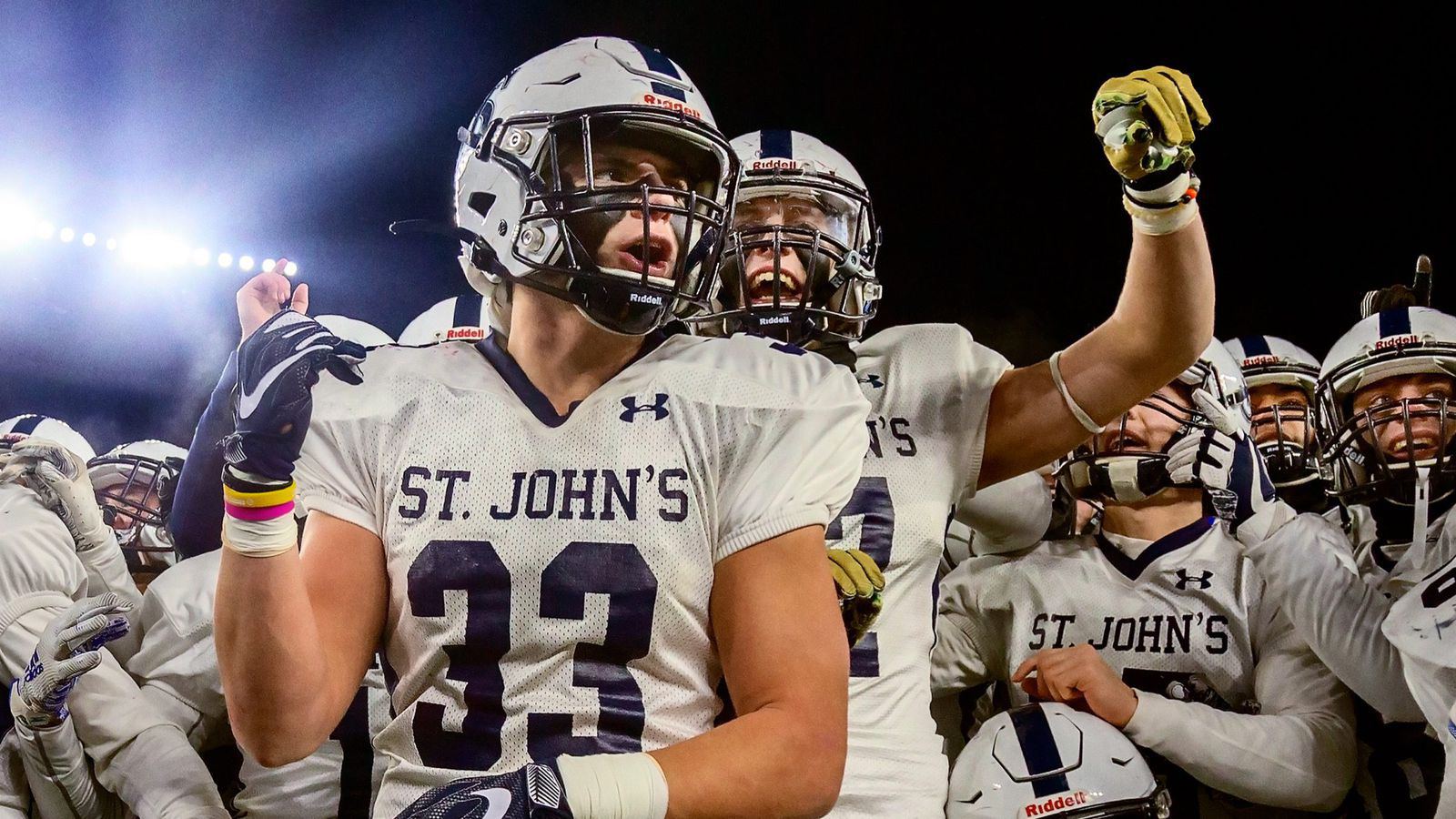
The celly, the dap-up, the bench going off after a big play. Those are the ones everybody posts, and they only happen if you go get your people.
New number? Say so
Switched numbers, or wearing a different one on the road? Tell your parents which number to type so they don't come up empty.
One's on us. Tag us.
Every athlete gets 1 free photo per game. Open the game's gallery, pick your favorite shot of you, tap Get this one free, and add your number and your Instagram or TikTok. Tag @rivalimaging on the post and in the caption. Once Michael approves it, the full size download unlocks, and Rival can post that photo too.
12 or under? A parent or guardian claims it for you. And please don't screenshot the gallery. The real one looks way better.
Game day what ifs
The stuff that comes up on a real game day, and what to do about it. Anything else, ask Michael.
What if I can't find the sign?
Go to rivalimaging.com/today in your phone's browser. It's the same page the sign opens. Pick your game and type the number. If you can see Michael on the sideline, you're at the right game.
What if the gallery won't load?
Cell signal at a lot of fields is rough with a full crowd. Pull down to refresh, turn Wi-Fi off if your phone grabbed the school's network, or walk toward the parking lot for a bar or two.
Still stuck? Tell us what you're seeing.
What if my kid isn't in any photos?
Check the number first. Home and away jerseys don't always match, and a typo is easy in the bleachers. Photos keep posting all game, so look again at the next break.
A game gallery follows the ball, not one player, so some kids end up in fewer shots than others. A Game Spotlight makes your athlete the focus for one game, with 20 to 30 edited photos in their own private gallery.
What if a photo is wrong?
If a photo of your kid shouldn't be up, tap the Remove button on it. It comes down as soon as we see it, usually the same day. You can also use the removal form. Galleries are unlisted and kept out of Google, and the full photo policy is a two minute read.
If something's wrong with a photo you bought, like the wrong shot or a download that won't open, send us the email you paid with and which photo, and Michael will take care of it.
How do I save a photo to my phone?
If the photo opens in your browser after you pay, press and hold it, then tap Save to Photos on an iPhone or Download image on Android.
Save it right away. Lost it anyway? Send us the email you paid with and we'll resend it.
What if it rains, or the game moves?
Check today's games on game day. A gallery shows up there as soon as its first photos go up, and the 48 hours always start at the final whistle, so a delay never eats into your time to buy.
If your game moves to a day Rival isn't covering, up to 7 days out. It's free to ask.
Booked a spotlight or prebooked the game? Your booking moves with the game. If Michael can't make the new date, anything you paid comes back in full.